Register
Create a new Dawmly company account.
Included in every plan, including Free.
What this screen is for
Register is where new organizations create their Dawmly workspace. It sets up the company identity, account owner credentials, contact phone number, and workspace URL identifier to begin managing attendance immediately.
The screen at a glance
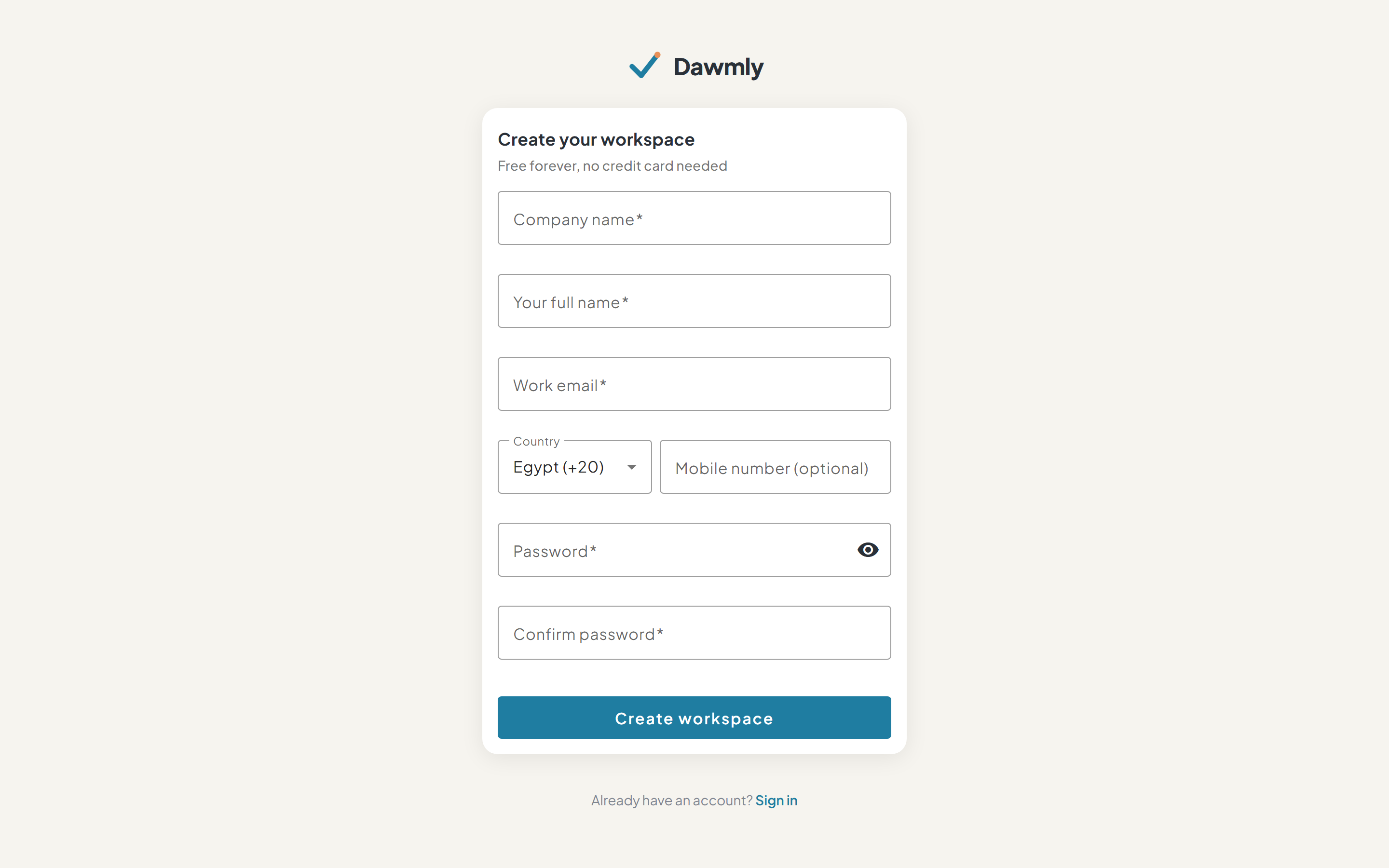
- Company name and workspace slug enters the organization name, which automatically generates your unique workspace slug identifier.
- Your full name and Work email define the primary administrator account credentials.
- Country code and Mobile phone select the international dial code and phone number for account notifications and verification.
- Password and Confirm password define secure credentials for signing into your workspace.
- Terms and Privacy consent confirms acceptance of Dawmly Terms of Service and Privacy Policy.
- Create workspace button submits the registration and directs you directly to your new dashboard.
- Sign in link navigates existing users to the login page.
How to create your workspace
- Enter your Company name (the workspace slug will auto-populate).
- Fill in your Full name and business Work email.
- Select your Country dial code and input your mobile number.
- Set and confirm a strong Password.
- Check the box to accept the Terms of Service and Privacy Policy.
- Click Create workspace to initialize your organization account.
Notes and limits
- Available on every plan.
- An email address can only be associated with one Dawmly workspace as an owner.