Leave
Review, approve, or reject employee leave requests.
Available from the Starter plan.
What this screen is for
Leave manages employee time-off requests including annual, sick, and unpaid leave balances. HR managers can review pending applications, inspect attached medical notes, and approve or decline requests.
The screen at a glance
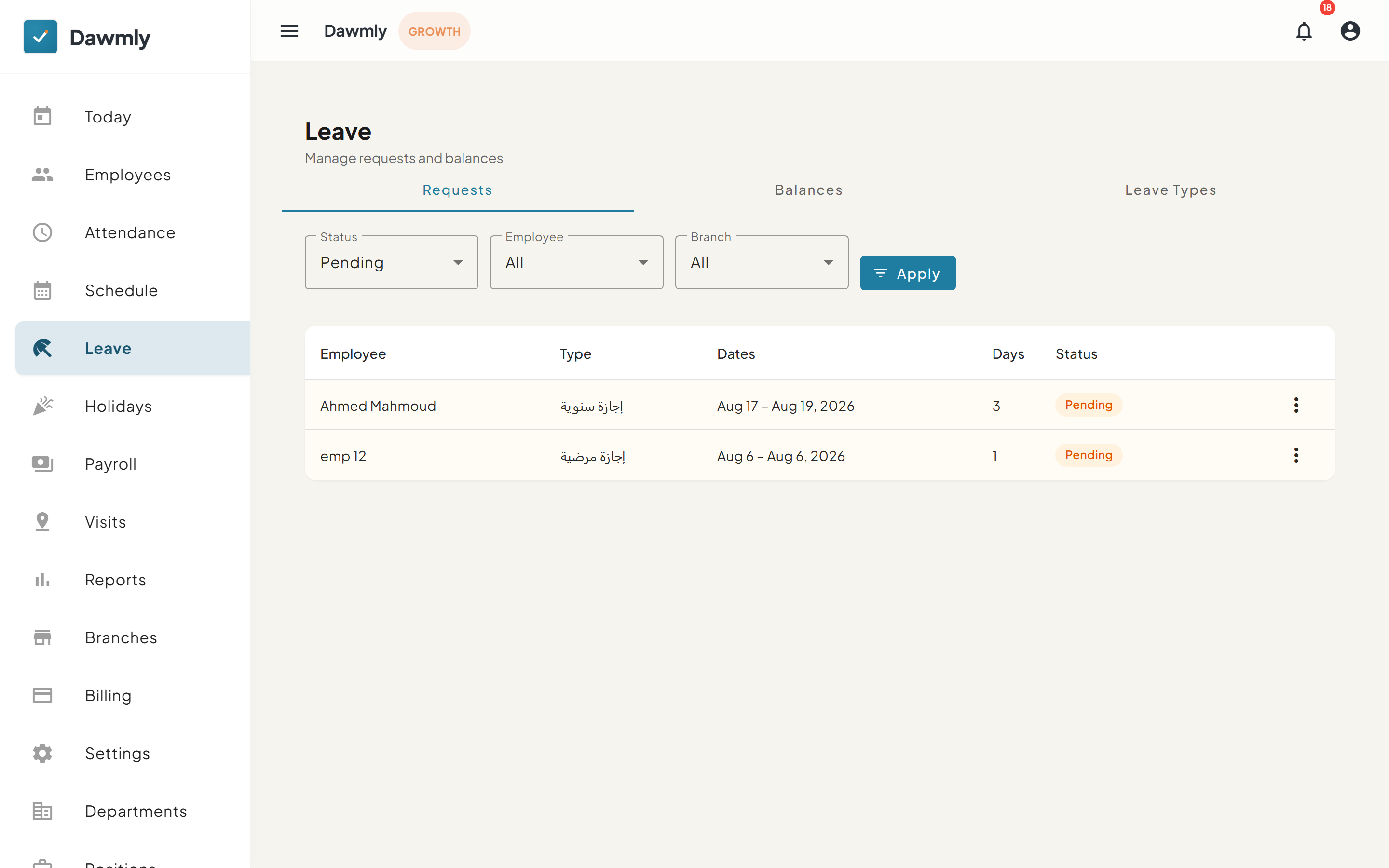
- Requests, Balances, and Leave Types tabs switch between active leave requests, employee leave balance allowances, and policy types.
- Filter bar includes Status, Employee, and Branch dropdowns with an Apply button.
- Leave requests table displays columns for Employee, Type, Dates, Days, and Status.
- Row action menu provides options to approve, reject, or manage individual requests.
How to review a leave request
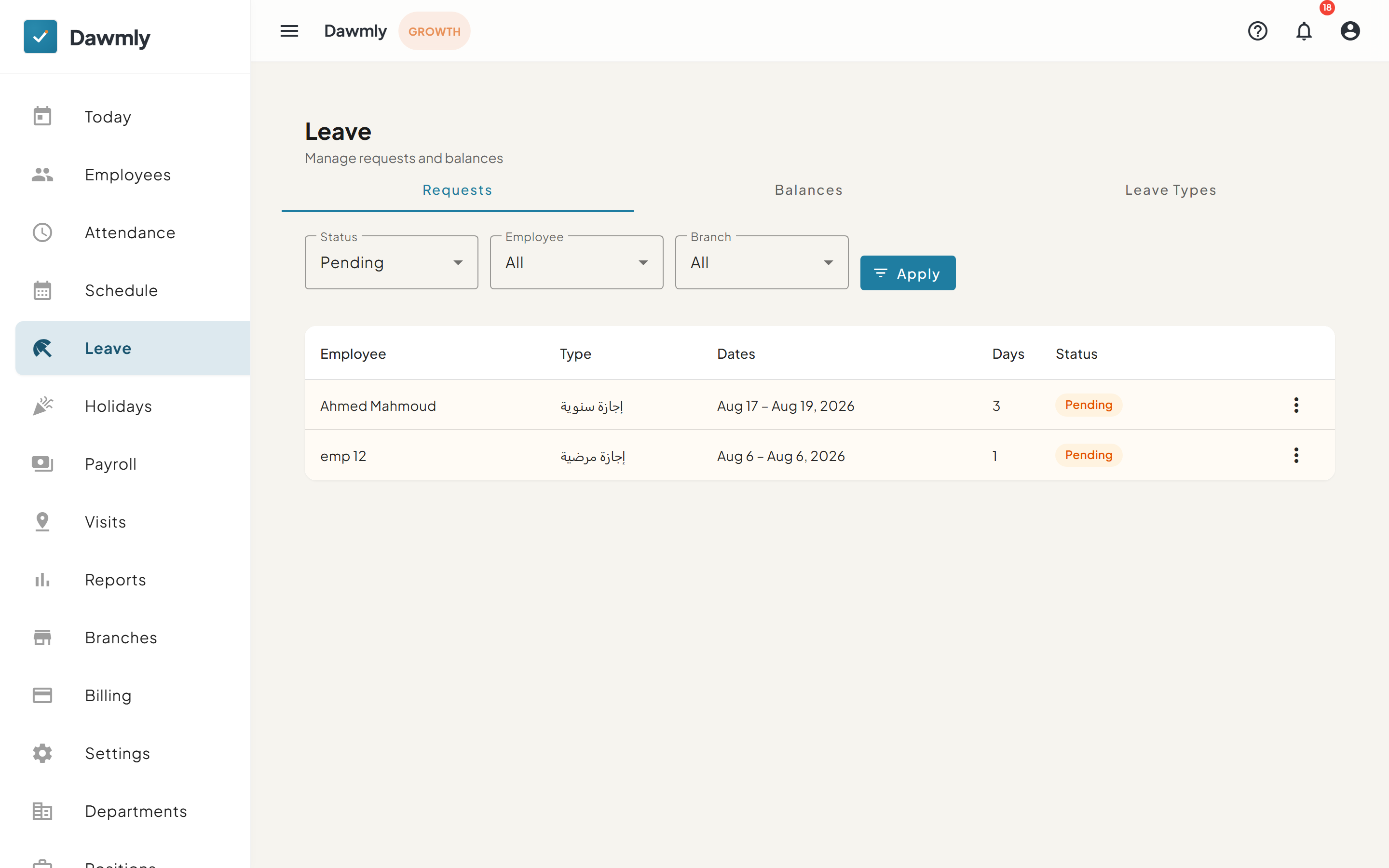
- Filter the leave requests table by status to view pending applications.
- Select the three-dot menu in the employee's request row and choose Review.
- Inspect the requested leave type, duration, dates, and employee note in the panel.
- Select Approve to approve the request or Reject to decline it.
Notes and limits
- Available from the Starter plan.
- Approved leave days automatically mark the employee as "On leave" on the Today dashboard.