Attendance
Detailed attendance logs across date ranges, branches, and employees.
Included in every plan, including Free.
What this screen is for
Attendance is the historical log of all check-in and check-out events across your company. It allows HR administrators to view daily time records, inspect location coordinates, verify shift compliance, review selfie photos, and filter logs by date or branch.
The screen at a glance
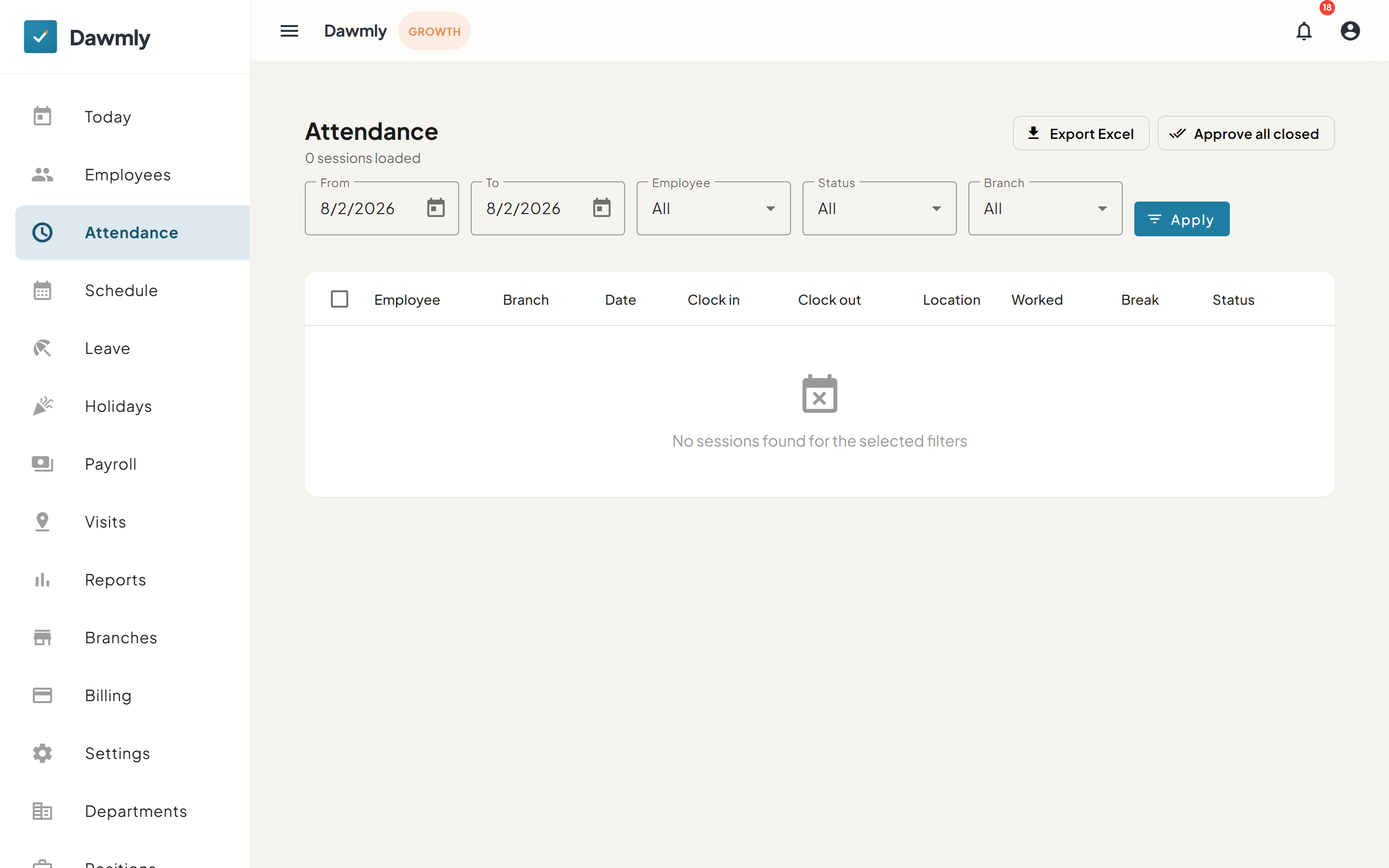
- Filter bar includes From and To date pickers, Employee, Status, and Branch dropdowns, and an Apply button.
- Export Excel button downloads attendance session logs to a spreadsheet file.
- Approve all closed button approves all completed attendance sessions for the filtered range.
- Attendance table displays columns for Employee, Branch, Date, Clock in, Clock out, Location (map pin coordinates), Selfie (captured photo thumbnail with modal preview), Worked, Break, and Status.
How to correct an attendance record
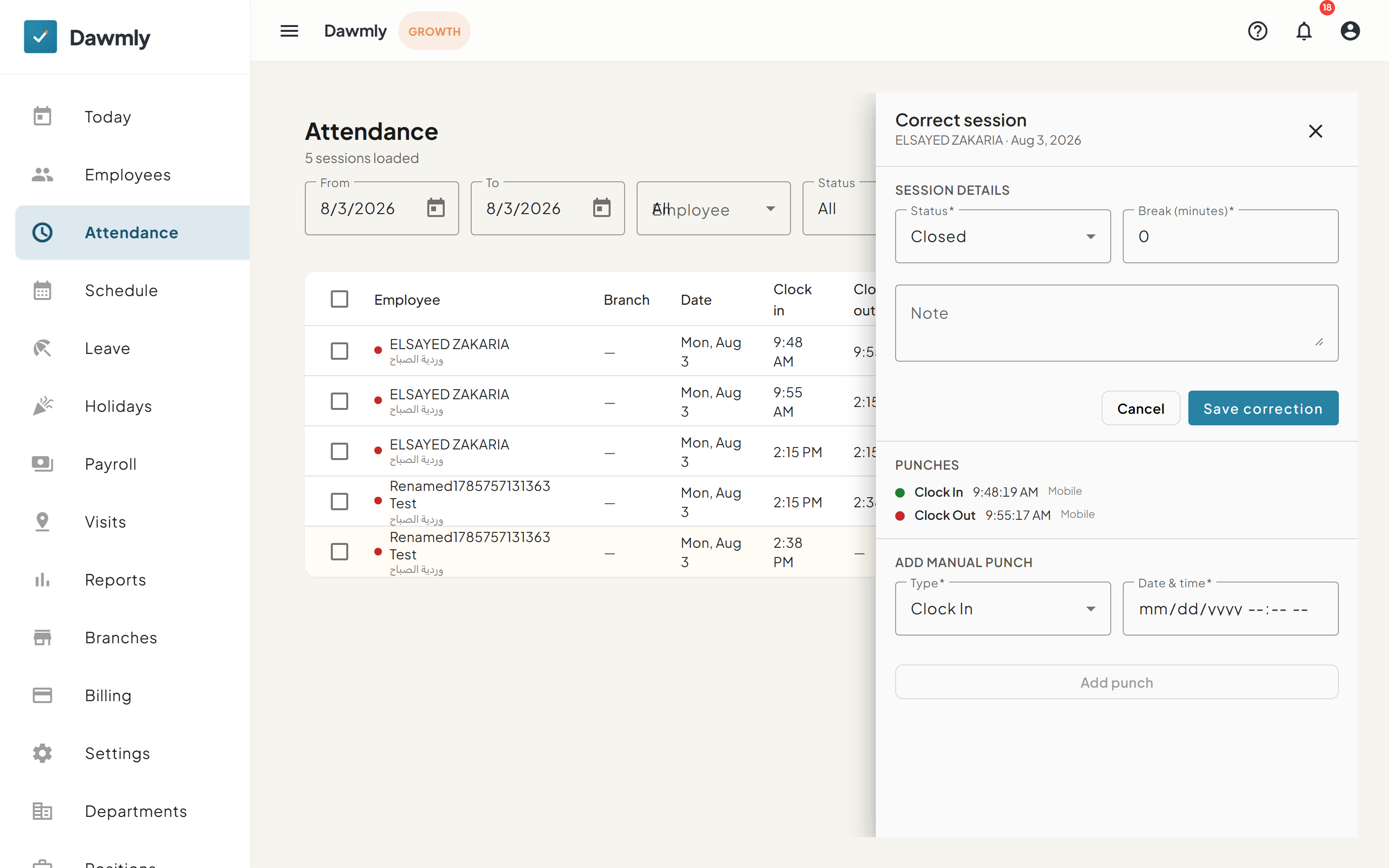
- Filter the attendance table by date or employee to find the target session record.
- Select the three-dot menu in that session's row and choose Correct session.
- In the side panel, update the attendance status or break duration and add an explanatory note.
- Select Save correction to apply the update.
Notes and limits
- Available on every plan.
- Branch administrators see attendance logs only for employees assigned to their own branch.
- Selfie verification photo capture is available on the Growth plan and above; review is visual only by administrators (no automated biometric face matching).