Consolidated report
Cross-branch attendance, leave, hours, and payable units summary report.
Available from the Starter plan.
What this screen is for
The Consolidated Report rolls up workforce attendance, absences, leave days, regular worked hours, overtime, and payable units across all employees and branches for any selected date range. It gives managers and payroll officers a complete audit-ready overview before running payroll or generating exports.
The screen at a glance
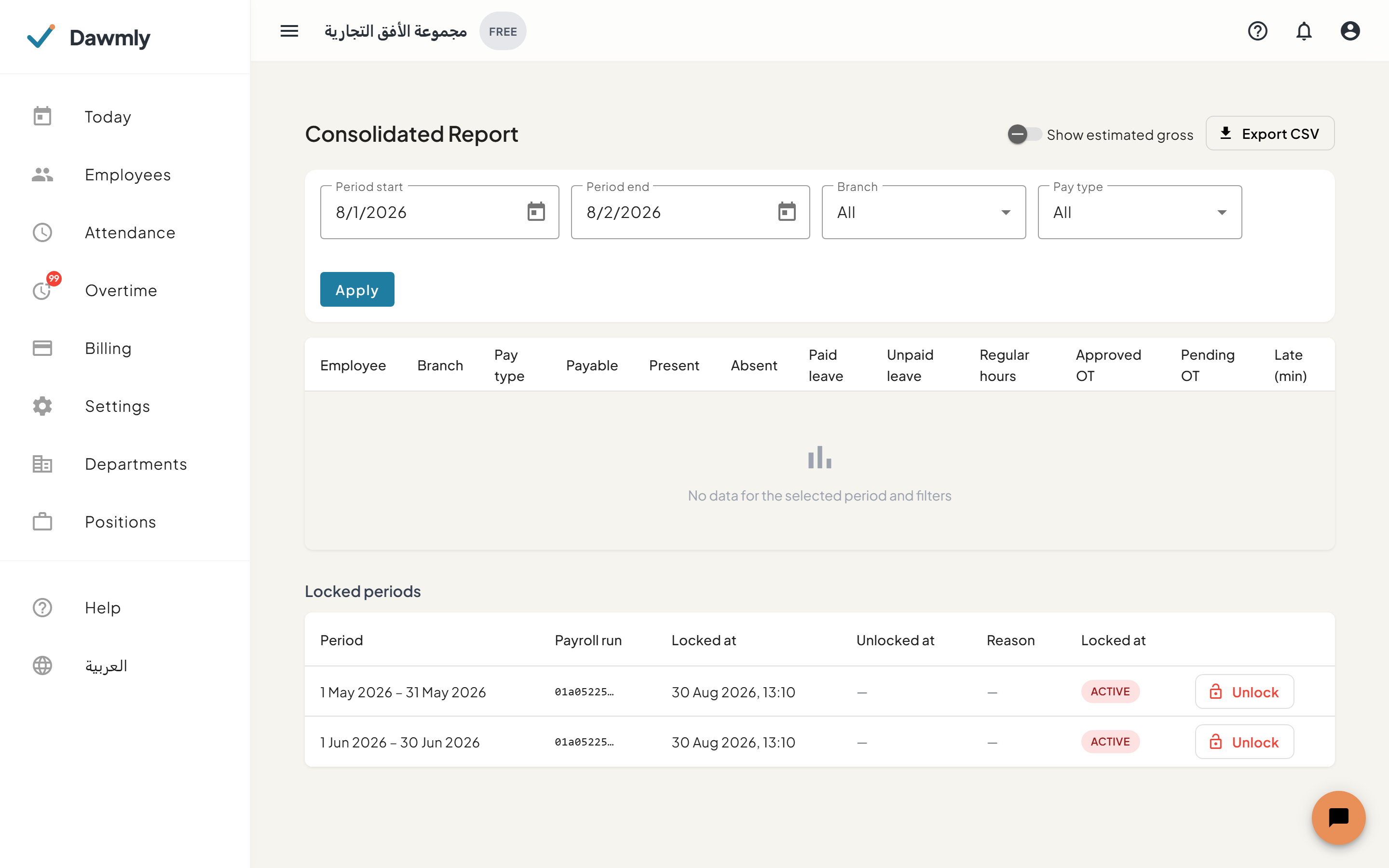
- Header controls include an Export CSV button and a Show estimated gross toggle (available to tenant administrators).
- Filter bar provides Period start and Period end date pickers, alongside Branch and Pay type (Monthly, Hourly, Daily) dropdowns.
- Consolidated table details rows per employee with columns for Employee, Branch, Pay type, Payable units, Present days, Absent days, Paid leave, Unpaid leave, Regular hours, Approved OT, Pending OT (highlighted warning badge), Late minutes, and optional Estimated gross.
How to generate a consolidated report
- Select the Period start and Period end dates for your reporting window.
- Optionally filter by a specific Branch or Pay type (Monthly, Hourly, Daily).
- Click Apply to load the workforce metrics.
- Tenant administrators can toggle Show estimated gross to preview projected payroll totals.
- Click Export CSV to download the consolidated dataset for external analysis or payroll import.
Notes and limits
- Available from the Starter plan.
- Branch administrators see consolidated figures only for staff assigned to their branch.
- Pending overtime hours are highlighted as a warning so you can resolve them on the Overtime screen prior to finalizing payroll.